01 / IMPORT THE PROJECT
Start with both images
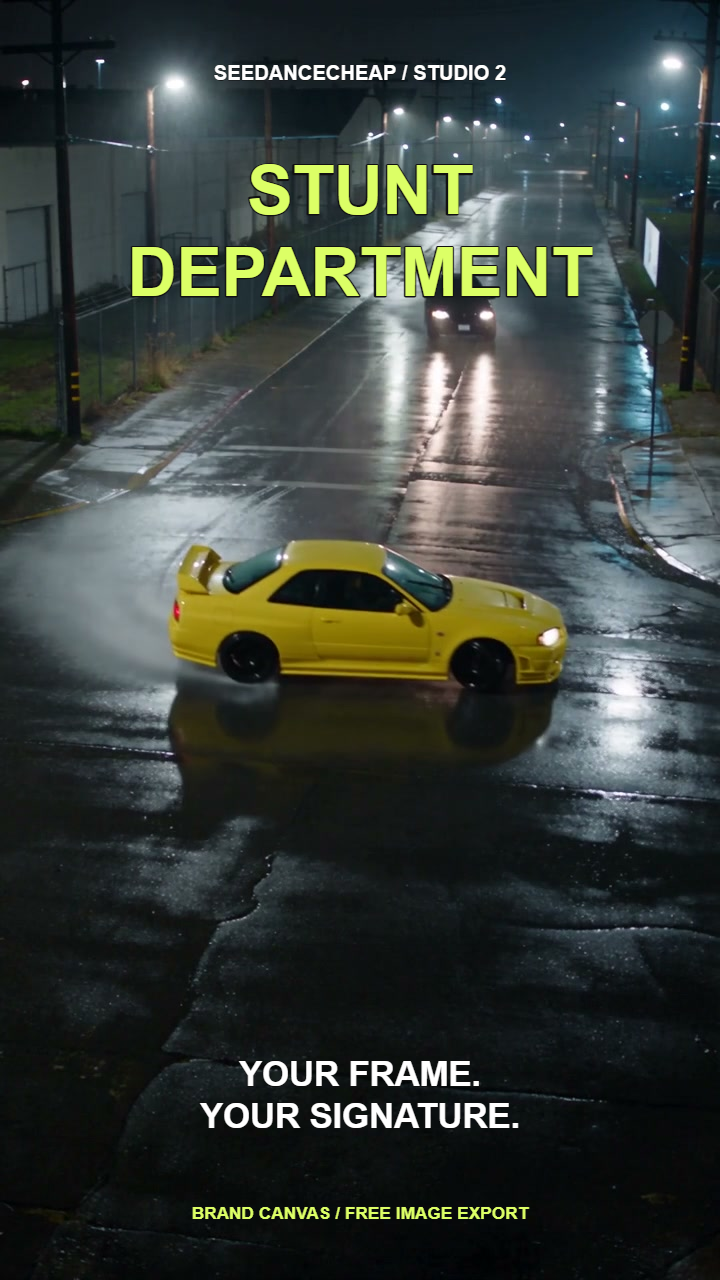
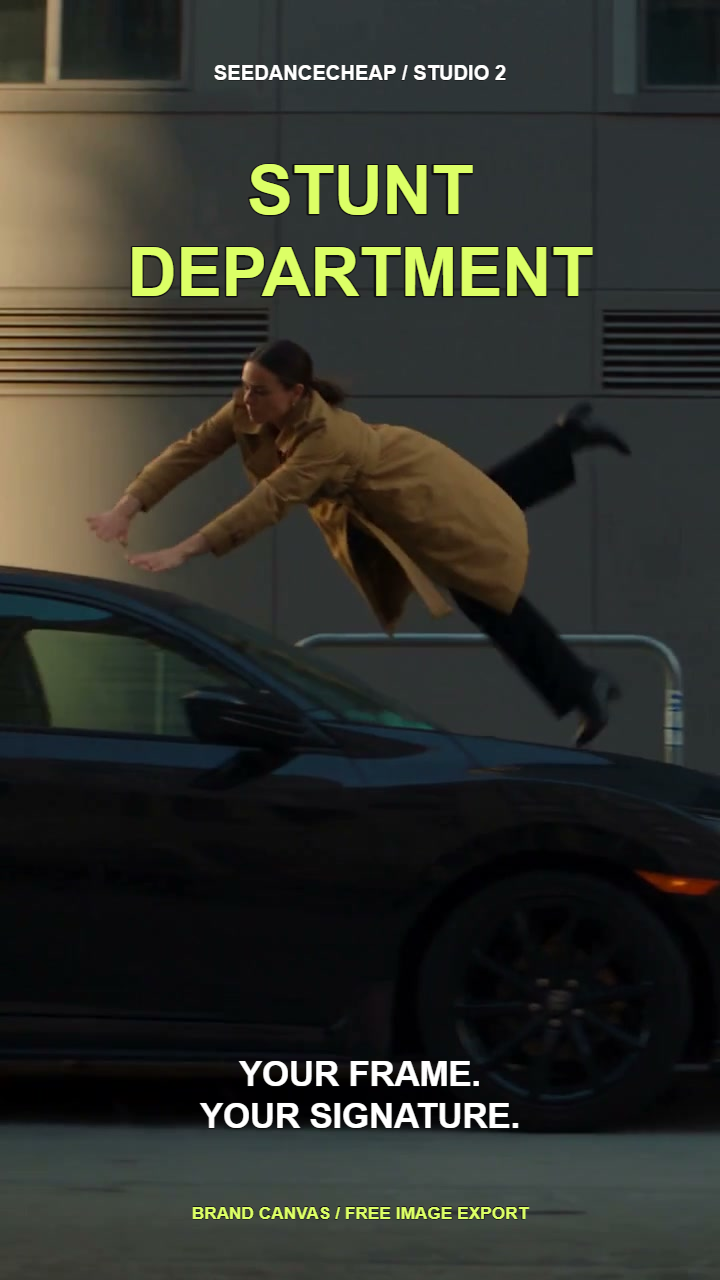
Download our editable project, then open Brand Canvas and choose Import project. Select the .brand.json file. Both 720 × 1280 images and all four text layers are included.
The backgrounds are stills from our own earlier AI films. Importing the project does not generate new images or video.
02 / MAKE IT YOURS
Change the signature
Select a text layer to edit its words, size or position. Choose the second image to check the same layout on both pages.
To start with your own artwork instead, choose Add images in a blank canvas and build the four layers using the settings below.
03 / CHECK AND EXPORT
Export the whole set
Use Export all as ZIP. Our native export contained two original-size PNGs. Open each file and check the text, edges and image quality.
Save your project if you want to return to the layout. Our downloaded project contains both pages and all four shared text layers.
Project import checked November 5, 2026: two image pages and four text layers restored. The native ZIP export reported two original-size images and no credits used.